




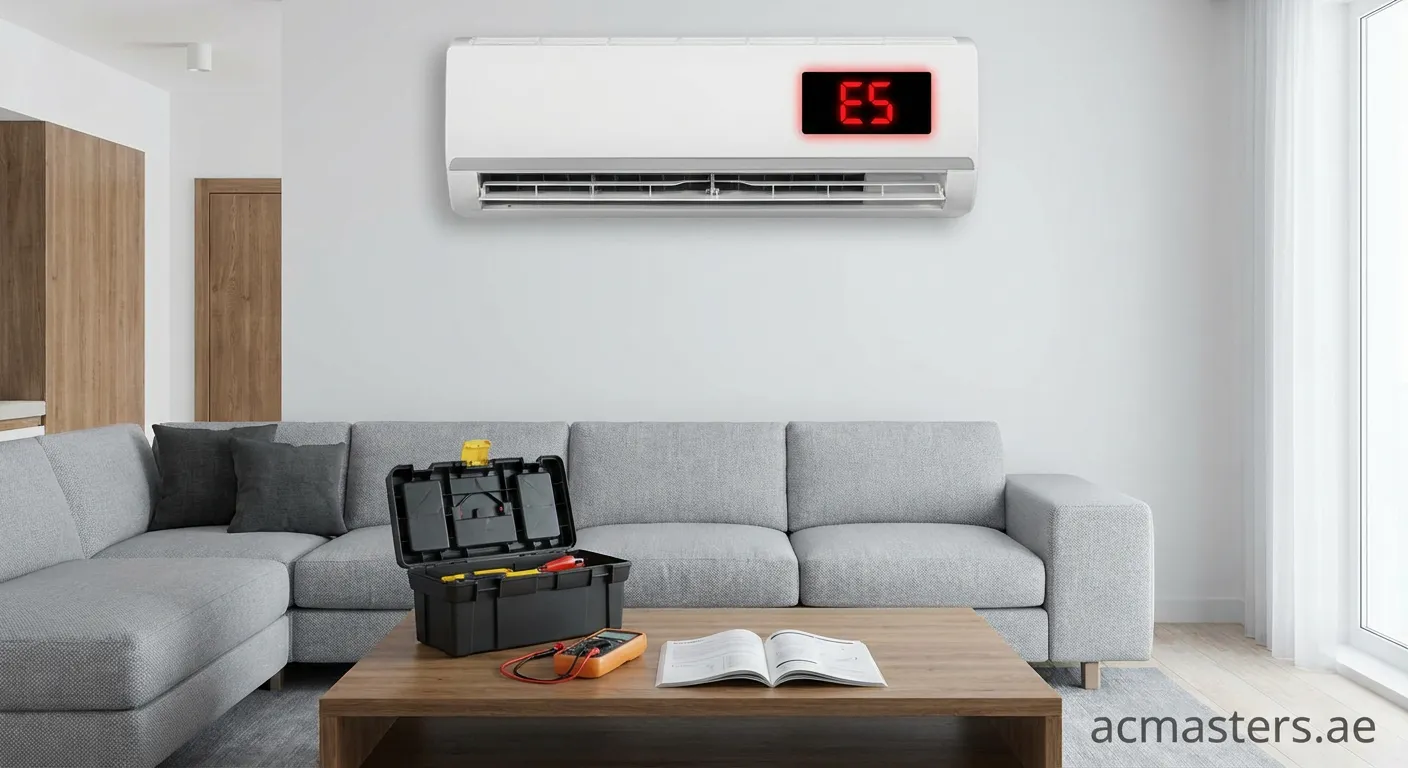
If you have glanced at your air conditioner and found it blowing warm air or completely stopped, seeing an error code can be confusing. Many homeowners find themselves asking, "Why is my AC display showing E5 error?" and what it means for their comfort. This guide breaks down the technical reasons behind this code and offers practical solutions.
Understanding the E5 Error Code
In the world of HVAC systems, error codes are the unit's way of communicating internal problems. The E5 error is not universal across all brands, but it is highly common in manufacturers like Gree, Midea, and generic mini-splits. Generally, when you ask, "Why is my AC display showing E5 error?", the answer typically points to one of two major issues:
- Outdoor Unit Protection: This often involves over-current protection or unstable voltage supply.
- Temperature Sensor Malfunction: The sensor detecting the room or coil temperature may be short-circuited or disconnected.
Common Causes for the E5 Fault
To accurately diagnose "Why is my AC display showing E5 error?", we need to look at specific components that trigger this safety mode.
1. Voltage Instability
Electrical fluctuations are a primary culprit. If the voltage drops too low or spikes too high, the AC's mainboard detects an "over-current" scenario. To protect the expensive compressor from burning out, the system displays E5 and shuts down.
2. Faulty Temperature Sensors
Your AC relies on thermistors to regulate cooling. If the T1 (Room Temperature) or T2 (Evaporator Coil) sensors are damaged, loose, or reading incorrect resistance values, the mainboard cannot function, resulting in the E5 code.
3. Dirty Air Filters and Coils
Believe it or not, a lack of maintenance can lead to complex errors. Clogged filters restrict airflow, causing the internal components to overheat. This thermal stress can trick the system into triggering protection modes, leading you to wonder, "Why is my AC display showing E5 error?".
Troubleshooting Steps
Before calling a professional, try these safe troubleshooting methods:
- Hard Reset: Turn off your AC at the circuit breaker for at least 15 minutes. This resets the internal logic board and may clear temporary glitches.
- Inspect Filters: Open the front panel and clean the dust filters.
- Check Power Supply: Ensure your home is receiving stable voltage (220-240V usually). If you live in an area with power surges, a stabilizer might be necessary.
Note: If the E5 error persists after a reset, it likely involves a hardware failure such as a bad sensor or mainboard, requiring a certified technician.