




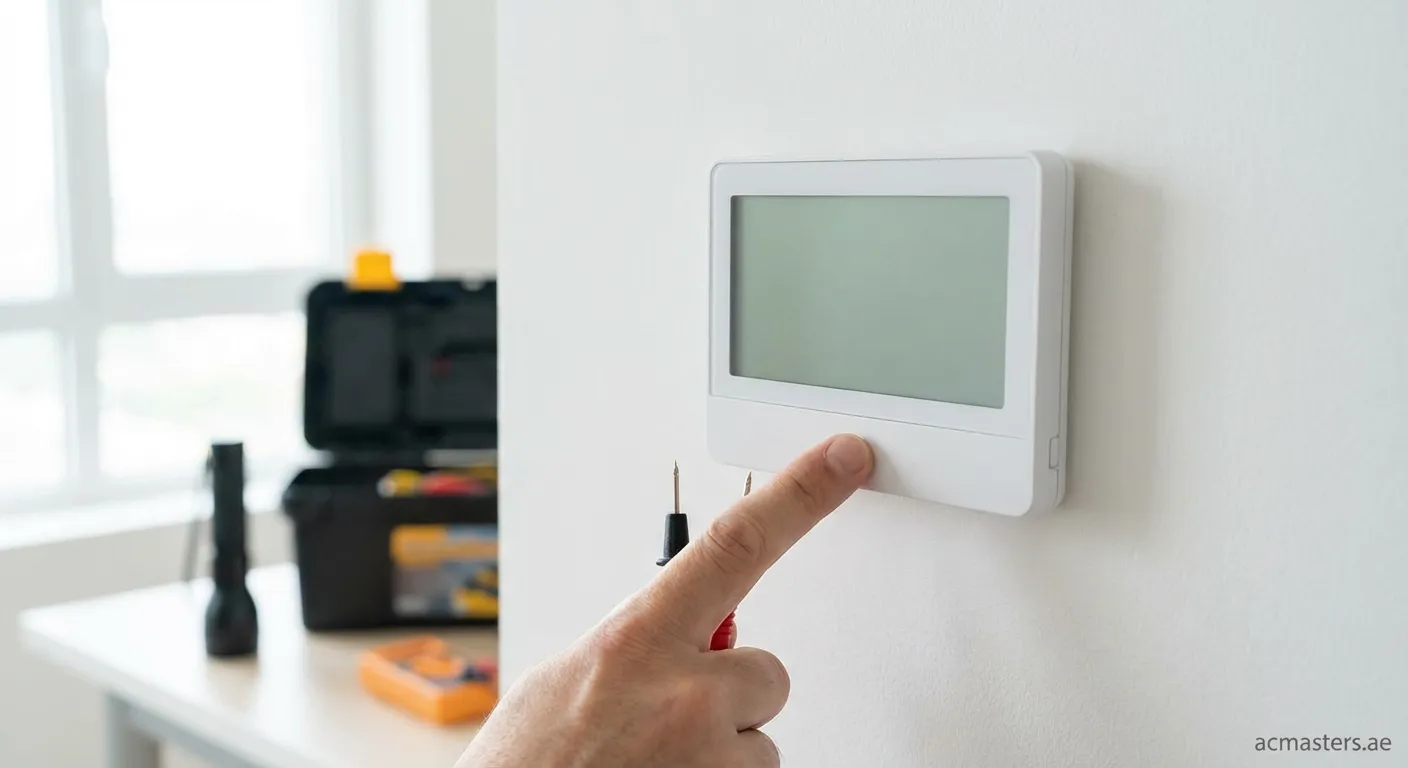
Why Is My Thermostat Screen Blank?
A blank thermostat screen can stem from several issues ranging from simple power loss to more complex electrical failures.
Common Causes:
- Dead batteries - The most frequent culprit
- Tripped circuit breaker - Power interruption to the HVAC system
- Loose wiring connections - Wires detached from terminals
- Blown fuse - Internal fuse protection activated
- Display failure - LCD screen malfunction
"Over 60% of blank thermostat issues are resolved with simple battery replacement or breaker reset."
Step-by-Step Troubleshooting Guide
Step 1: Check the Batteries
Start with the simplest solution when troubleshooting a thermostat that is blank:
- Remove the thermostat faceplate carefully
- Replace old batteries with fresh ones of the correct type
- Wait 30 seconds before restoring power
- If using a smart thermostat, ensure it's properly charged
Step 2: Inspect the Circuit Breaker
Your HVAC system has a dedicated breaker:
- Locate your electrical panel
- Look for the breaker labeled "HVAC" or "AC"
- Check if it's tripped (middle position)
- Turn it OFF, then back ON firmly
Step 3: Examine Wiring Connections
⚠️ Safety First: Turn off power at the breaker before proceeding!
- Remove the thermostat from the wall plate
- Inspect all wire connections at terminals (R, C, W, Y, G)
- Ensure each wire is securely fastened
- Look for signs of corrosion or burn marks
- Reattach any loose wires carefully
Step 4: Check for Blown Fuse
Many thermostats have internal fuses:
- Locate the fuse on the circuit board
- Test continuity with a multimeter
- Replace blown fuse with identical specifications
- Never use higher amperage fuses
When to Call a Professional
Some situations require expert help:
| Issue | DIY Solution | Professional Required |
|---|---|---|
| Dead batteries | ✓ Replace | No |
| Tripped breaker | ✓ Reset | No |
| Loose wires | Maybe | Recommended |
| Failed display | ✗ | Yes |
| Short circuits | ✗ | Yes |
| Repeated fuse blows | ✗ | Yes |
Preventing Future Problems
Regular maintenance keeps your thermostat functioning properly:
- Replace batteries annually before peak seasons
- Keep thermostat away from direct sunlight and drafts
- Schedule annual HVAC inspections
- Clean dust from around vents regularly